
Feedback
Veo 3 AI Video Genrator
Craft crisp HD shorts from simple text or uploaded images with the Veo 3 AI Video Genrator — built for mobile-first platforms and social media.
AI Tools
Explore AI tools

Nano Banana2
Best Image Generator

Kling3
Next-Gen AI Video Generator

Veo3
Create Stunning Videos with Veo3.1

Seedance2.0
The Future of AI Video Is Here.
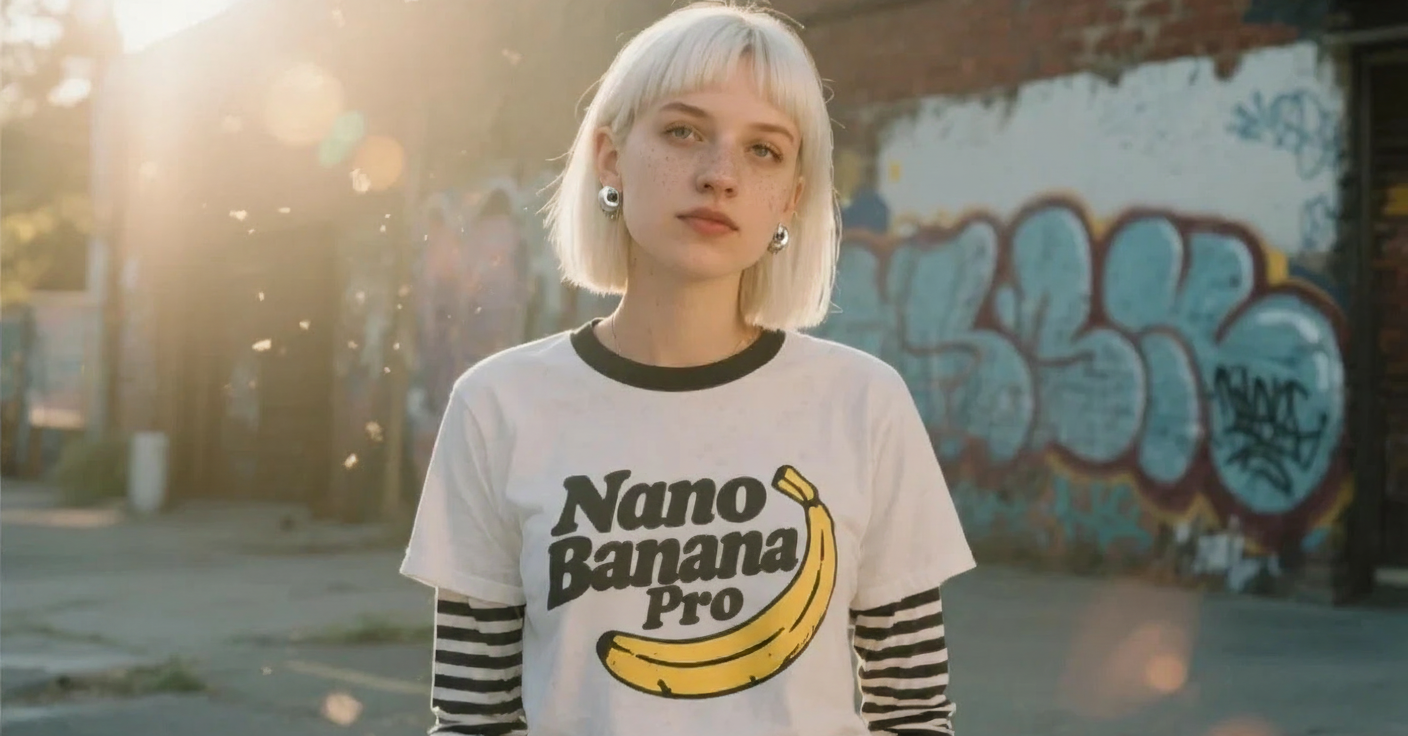
Nano Banana Pro
Advanced AI Image Generator
Kling Motion Control
Turn reference images into amazing motion videos in minutes
Sora2 Video Generator
Advanced AI Video Generator for High-Quality Videos

Suno AI Music Generator
Create Professional Music with AI
Why Veo 3 AI Video Genrator
The Veo 3 AI Video Genrator turns concise prompts or reference images into cinematic HD shorts quickly, delivering sharp, share-ready clips.
- Prompt-drivenGenerate complete scenes from short prompts using Veo 3 AI Video Genrator.
- Image-to-VideoConvert photos into smooth motion clips with Veo 3 AI Video Genrator.
- HD ExportProduce polished 720p–1080p outputs ready for sharing.
Veo 3 Video Generator Benefits
Veo 3 Video Generator balances speed, quality, and flexible control for creators.
Guide to Using Veo 3 AI Video Genrator
Get started in four easy steps and produce an HD short using the Veo 3 AI Video Genrator.
Key Capabilities of Veo 3 AI Video Genrator
Deliver high-quality clips with lifelike motion and flexible adjustments for social media.
Multi-Scene
Generate multi-shot videos with consistent character appearance using Veo 3 AI Video Genrator.
Expressive Detail
Maintain facial expressions and fine details throughout the sequence.
Style Presets
Choose from cinematic or social templates to match your content style.
HD Export
Export crisp 1080p clips ready for publishing from Veo 3 AI Video Genrator.
Manual Controls
Adjust camera motion, timing, and visual effects for precise creative output.
Natural Motion
Produce smooth, realistic movements optimized for mobile viewing.
Common Questions About Veo 3 AI Video Genrator
Find quick answers on supported inputs, downloading, and tips for getting the best results from Veo 3 AI Video Genrator.
What does Veo 3 AI Video Genrator do?
It transforms short text descriptions or reference images into high-definition short videos.
What kinds of input are supported?
You can use either text prompts or image files as inputs for generating videos.
How long does it take to generate a video?
Most clips are ready in a few minutes, depending on the model and length you select.
Can I save the generated videos?
Yes, once rendered you can download the MP4 file to your device.
Start Creating with Veo 3 AI Video Genrator
Make polished, mobile-optimized videos using the advanced capabilities of Veo 3 AI Video Genrator.