
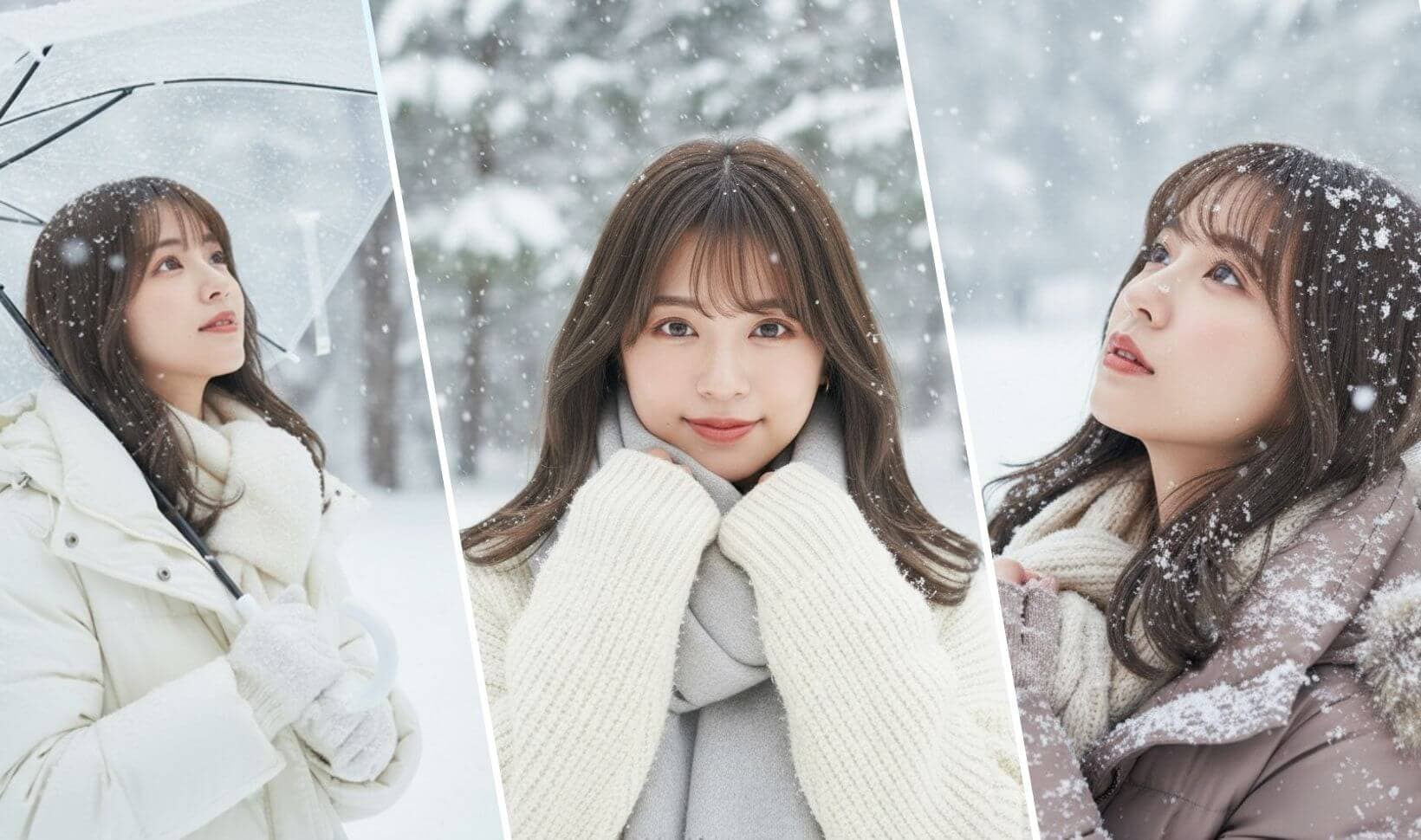
AI Snow Photo Generator — Add Realistic Winter Effects
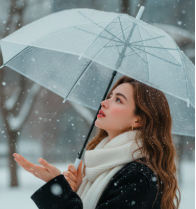
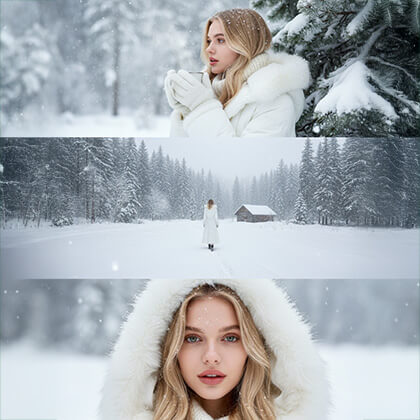
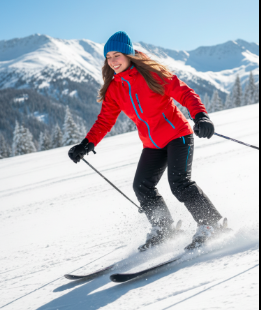
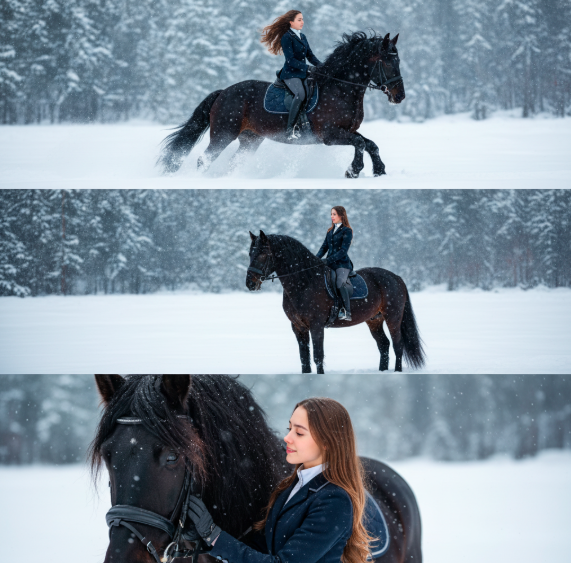
AI Snow Photo Generator applies natural snow and winter lighting to any photo. Create photoreal winter scenes quickly and share-ready results.
Feedback
AI Tools
Explore AI tools
MiniMax H3
MiniMax H3 AI Video Generator
Seedance 2.5
The Future of AI Video Is Here.

Seedance 2.0
The Future of AI Video Is Here.

Veo3.1
Create Stunning Videos with Veo3.1
FLUX 3 Video Generator

Kling 3.0
Next-Gen AI Video Generator
Grok Video Generator
Create Videos from Text or Images with AI
MiniMax H3 video generator
MiniMax H3 AI Video Generator
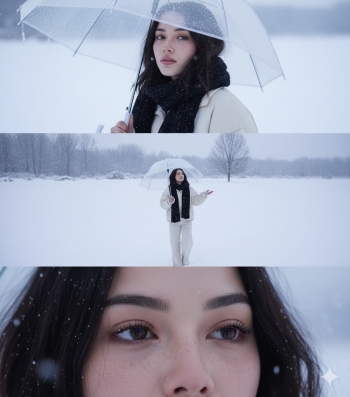
AI Snow Photo Generator — What It Does
AI Snow Photo Generator uses depth-aware rendering and light-aware blending to add convincing snow, frost and winter mood to your images.
- Realistic SnowDepth-aware snowfall that matches scene lighting.
- Fast ResultsCreate winter scenes in under two minutes.
- High QualityPreserves detail for crisp, shareable images.
Why Choose AI Snow Photo Generator for Winter Effects
Our AI Snow Photo Generator delivers professional-grade winter imagery with unmatched ease. Create breathtaking snowy scenes that captivate audiences and elevate your visual content instantly.
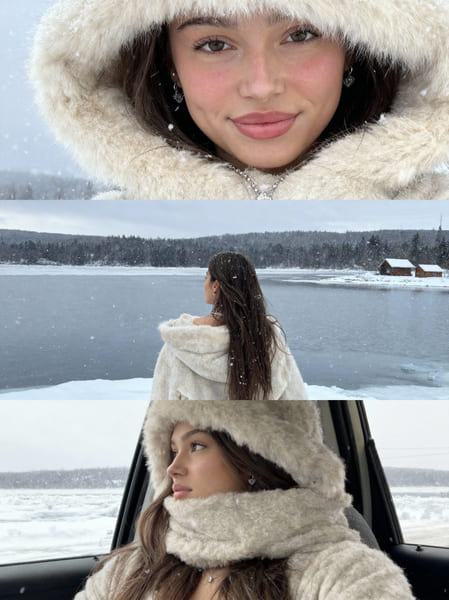
How to Use AI Snow Photo Generator
Quickly create winter photos with AI Snow Photo Generator: upload your image, tune snow style and density, then download the final result.
AI Snow Photo Generator Features
AI Snow Photo Generator provides depth-aware snow placement, mood controls and auto-blending tools to craft believable winter imagery fast.
Depth-Aware Snow
Snow placement respects foreground and background for realism.
Fine Control
Precise sliders to shape density and particle size.
Auto Blending
Automatic color and light matching for seamless effects.
Fast Generation
Quick processing for rapid previews and exports.
HD Export
Preserve detail for printing and social sharing.
Beginner Friendly
Intuitive UI makes AI Snow Photo Generator easy for everyone.
AI Snow Photo Generator FAQ
Common questions about using AI Snow Photo Generator to add snow, adjust mood, and export winter photos.
What makes AI Snow Photo Generator unique?
AI Snow Photo Generator analyzes depth, lighting and composition to apply realistic snowfall automatically.
What photo types work best with AI Snow Photo Generator?
Portraits, landscapes and outdoor scenes work best; the AI adapts snow placement for each image.
How quickly does AI Snow Photo Generator process images?
Processing typically takes 1–2 minutes depending on complexity.
Can I save AI Snow Photo Generator results?
Yes — download high-resolution winter images once the AI Snow Photo Generator finishes.
Does AI Snow Photo Generator offer free access?
Free trials are available; premium plans add more credits, priority and commercial rights.
Why should I choose AI Snow Photo Generator over manual editing?
AI Snow Photo Generator saves time and produces professional winter effects without manual editing.
Start Creating Winter Photos with AI Snow Photo Generator
Transform ordinary images into winter masterpieces with AI Snow Photo Generator. Fast, easy and realistic — try it now.