
Feedback
freeTrialImage.bannerPity
freeTrialImage.upgradeUnlock
- ✓freeTrialImage.benefitHd
- ✓freeTrialImage.benefitWatermark
- ✓freeTrialImage.benefitUnlimited
Imagine Video Generator
Describe a scene or drop in a photo, and Imagine Video Generator renders a smooth HD clip in minutes — free to try, no editing needed.
AI Tools
Explore AI tools
MiniMax H3
MiniMax H3 AI Video Generator
Seedance 2.5
The Future of AI Video Is Here.

Seedance 2.0
The Future of AI Video Is Here.

Veo3.1
Create Stunning Videos with Veo3.1
FLUX 3 Video Generator

Kling 3.0
Next-Gen AI Video Generator
Grok Video Generator
Create Videos from Text or Images with AI
MiniMax H3 video generator
MiniMax H3 AI Video Generator
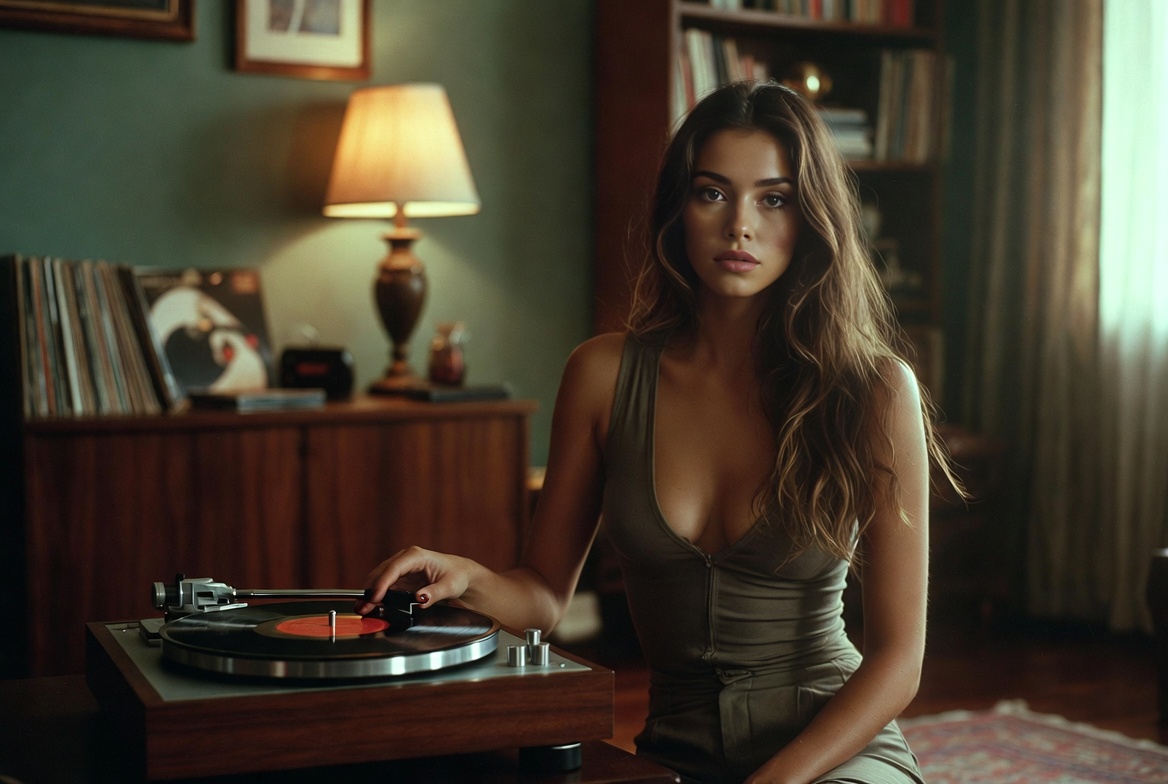
One tool, endless video ideas
A few words or one photo is all it takes: Imagine Video Generator handles the rendering and hands you a polished HD clip.
- Text-to-VideoDescribe a scene in words and watch it become footage
- Image-to-VideoBring a static photo to life with natural movement
- HD QualityExport crisp footage at resolutions up to 1080p
Four steps to your first clip
Go from a blank page to a finished video in four quick steps — no prior editing experience required.
Core capabilities behind every clip
Flexible settings and quick HD rendering keep each output clean, consistent, and ready to publish.
Multi-Character
Keep several subjects consistent inside one shot
Realistic Motion
Movement that looks fluid and believable
Style Variety
Switch between cinematic, anime, and other looks
HD Output
Render clean footage up to 1080p
Full Control
Set aspect ratio, clip length, and resolution yourself
Fast Speed
Results ready in a couple of minutes
Frequently asked questions
Short answers to the questions people ask most before making their first AI video.
What exactly is this video generator?
It is an online AI tool that converts written prompts or still pictures into short video clips.
What kinds of videos can I create?
Short social clips, product ads, story scenes, and promo spots are all within reach.
How long does rendering take?
Most clips are finished in roughly two to three minutes.
Are downloads available?
Yes — every finished clip can be saved to your device in one click.
Can I use the clips commercially?
Commercial rights depend on the plan you are on.
Which resolutions are supported?
Output is offered in 480p, 720p, and 1080p HD.
Your next video is one prompt away
Turn a single sentence into a polished HD clip and download it in minutes — start free today.