
GPT Image 1.5
Type an idea and watch GPT Image 1.5 render polished, high-resolution artwork in moments. Free to start, no design skills required.
Feedback
All Tools
Browse AI tools
MiniMax H3
MiniMax H3 AI Video Generator
Seedance 2.5
The Future of AI Video Is Here.

Seedance 2.0
The Future of AI Video Is Here.

Veo3.1
Create Stunning Videos with Veo3.1
FLUX 3 Video Generator

Kling 3.0
Next-Gen AI Video Generator
Grok Video Generator
Create Videos from Text or Images with AI
MiniMax H3 video generator
MiniMax H3 AI Video Generator
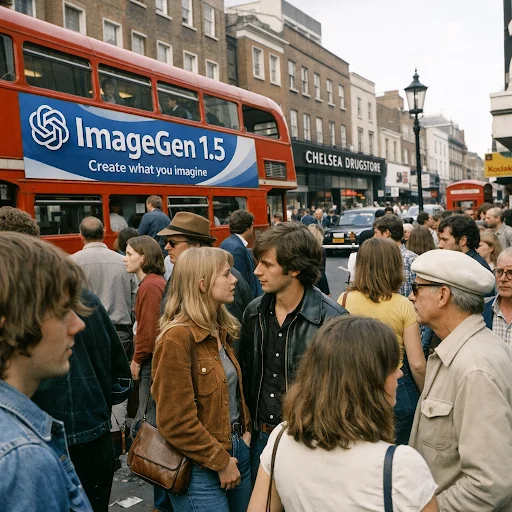
What Makes GPT Image 1.5 Different?
GPT Image 1.5 reads your words and returns polished, publish-ready visuals. Built for designers, marketers, and anyone with an idea worth showing.
- Instant Visual OutputSend a short prompt and receive a finished, shareable image in seconds — no plugins, no rendering queue.
- Styles for Every BriefSwitch between photoreal, illustration, and abstract looks to match the tone of any campaign or project.
- Crisp, Platform-Ready QualityExport sharp files sized for social feeds, print layouts, and web pages without extra retouching.
Why Choose GPT Image 1.5
GPT Image 1.5 delivers stunning images instantly. Create professional visuals with advanced AI. Perfect for social media, marketing, and creative projects.
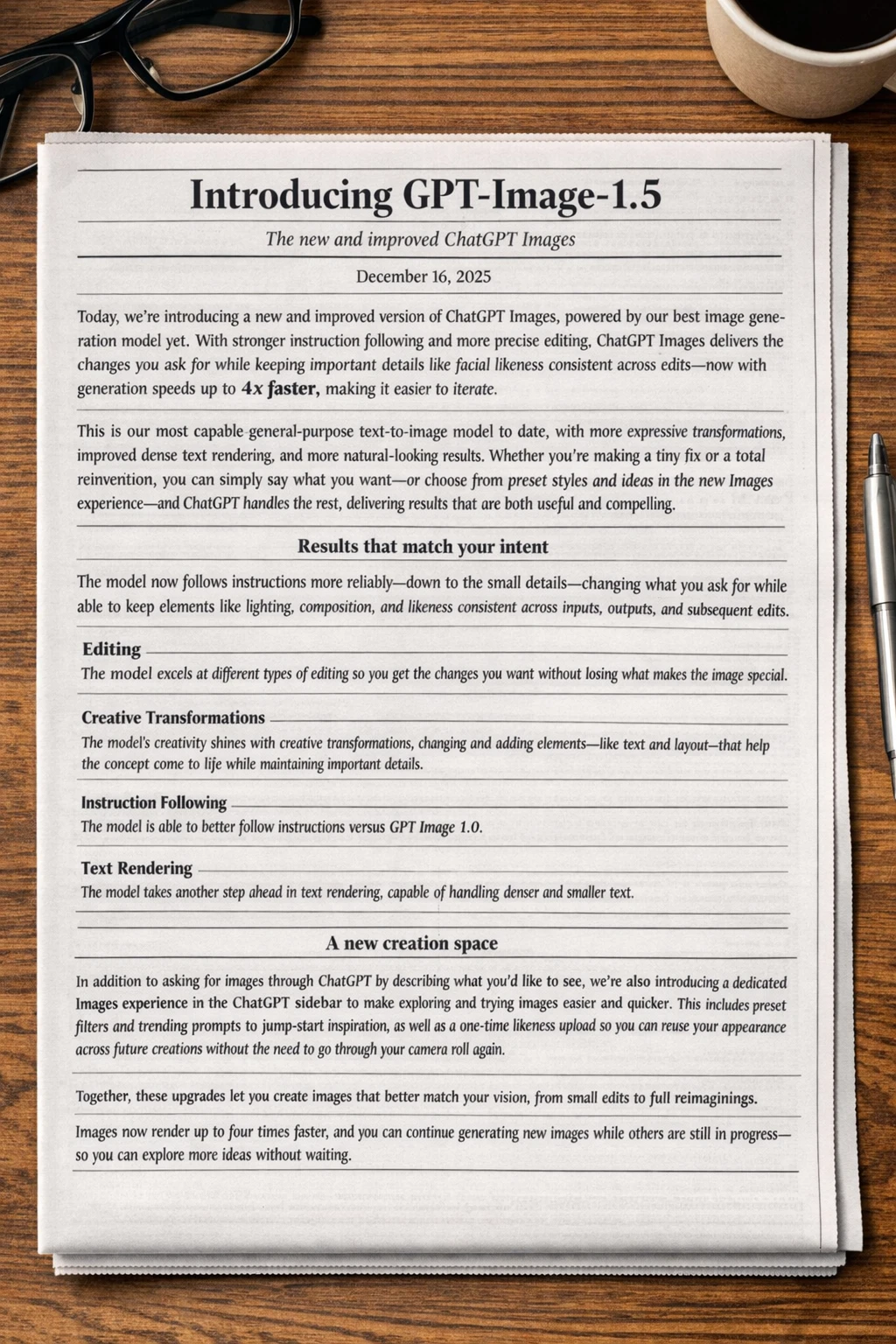
From Prompt to Picture in Four Steps
No tutorials required. Follow the short workflow below and you will have a finished image on screen in under two minutes.
Capabilities That Set GPT Image 1.5 Apart
Every stage of the pipeline — prompt parsing, styling, upscaling — is tuned for speed and consistency, so the picture you imagine is the picture you get.
Prompt Comprehension That Sticks to the Brief
Objects, lighting, and composition cues are extracted from ordinary sentences and kept faithful to your wording.
Automatic Detail Refinement
Textures, shadows, and edges are polished during generation, so results look finished rather than raw.
A Wide Style Range
Move from documentary realism to painterly abstraction without ever leaving the same workspace.
Sharp at Every Resolution
Render at 1K, 2K, or 4K and keep the fine detail intact when a file is enlarged or printed.
Granular Quality Controls
Dial in resolution and fidelity image by image instead of accepting a single default preset.
Quick Turnaround Times
Most renders finish in seconds, which keeps fast-moving design and content workflows on schedule.
Questions About GPT Image 1.5, Answered
Everything worth knowing before your first render — cost, styles, usage rights, and output quality — gathered in one short list.
What exactly is GPT Image 1.5?
It is a text-to-image engine that reads a written description and produces a finished picture, deciding composition, lighting, and detail on its own.
Which visual styles can I generate?
Photorealistic scenes, digital illustration, watercolor, 3D renders, and abstract compositions are all supported, and several styles can be blended inside one prompt.
How long does a single image take?
Most renders complete within seconds. Dense prompts or higher resolutions need a little longer, and live progress is shown on the screen while you wait.
Can I download what I create?
Yes. Finished images can be saved right away, and paid plans unlock higher resolutions with no watermark attached.
Do I own the images I make?
Paid subscribers receive full commercial rights, so output can be used in client work, advertising, products, and personal projects alike.
Which resolution should I choose?
Use 1K for fast drafts and social posts, 2K for most web and marketing needs, and 4K when a file will be printed or heavily cropped.
Your Next Great Visual Is One Prompt Away
Open the generator, type whatever you have in mind, and let GPT Image 1.5 handle the heavy lifting. No credit card is needed for your first render.