
video0
video1
video2
video3
video4
Feedback
Video To Video
Bring still photos to life with Video To Video. Follow any reference clip's movement, keep faces consistent, and export polished HD footage in minutes.
AI Tools
Discover Video To Video Generator and more AI tools

Nano Banana2
Best Image Generator

Kling3
Next-Gen AI Video Generator

Veo3
Create Stunning Videos with Veo3.1

Seedance2.0
The Future of AI Video Is Here.
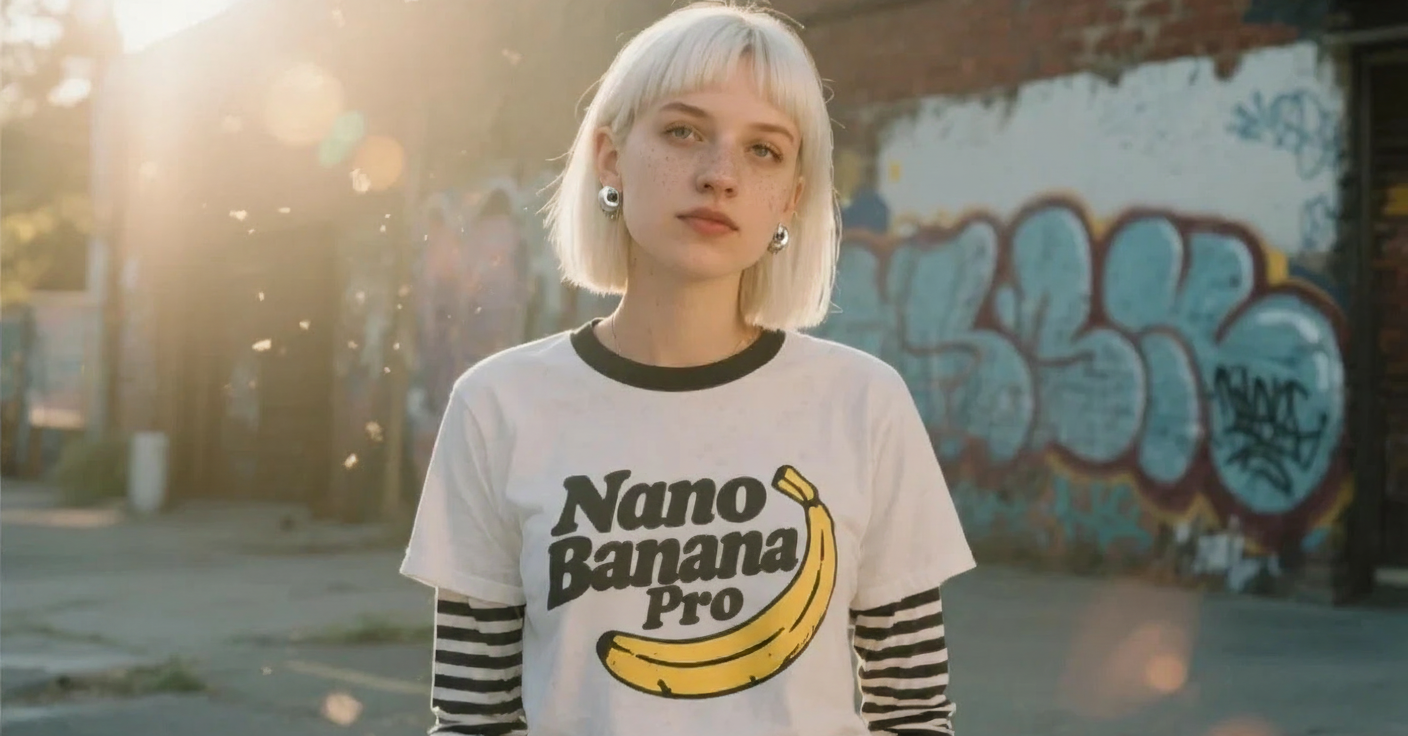
Nano Banana Pro
Advanced AI Image Generator
Kling Motion Control
Turn reference images into amazing motion videos in minutes
Sora2 Video Generator
Advanced AI Video Generator for High-Quality Videos

Suno AI Music Generator
Create Professional Music with AI
A Smarter Way to Create Video To Video Animation
Our Video To Video engine turns a still image into a motion-driven clip, preserving facial detail, stable identity, and a smooth cinematic rhythm.
- Accurate Motion TrackingThe Video To Video engine copies every step and gesture so trajectories stay on point.
- Stable Character IdentityFaces, hair, and outfits stay consistent across every frame of your Video To Video output.
- Crisp HD ExportDownload sharp 1080p files from our Video To Video tool, ready for any social feed.
How to Create Video To Video Clips in Four Steps
Follow these simple steps to produce a polished Video To Video clip, even straight from your phone.
Powerful Video To Video Capabilities
Our Video To Video tool pairs reference motion with clean rendering to deliver clips built for social platforms.
Accurate Paths
The Video To Video engine holds trajectories steady, even in busy, complex scenes.
Consistent Subjects
Your Video To Video result preserves subject identity across every single frame.
Handles Tough Moves
From dance to sports to rapid gestures, Video To Video stays locked on without drift.
1080p Quality
Render smooth 1080p video with Video To Video for sharp, clear playback.
Simple Controls
The Video To Video interface stays minimal, making phone-based editing effortless.
Quick Rendering
Video To Video renders in a flash, so you can test new ideas fast.
Video To Video: Frequently Asked Questions
Find clear answers about Video To Video speed, output quality, ownership, and more.
What exactly is Video To Video?
It is an AI process that takes a still image and animates it using motion pulled from a reference clip.
Which kinds of movement can it copy?
Video To Video supports full-body motion, hand gestures, and quick, high-energy actions.
How long does rendering take?
Most Video To Video jobs complete in roughly two to three minutes.
Can I save the finished clip?
Yes — download your Video To Video result directly, and paid plans remove the watermark.
Do I own the output?
Paid Video To Video plans grant broader commercial usage rights for your clips.
What resolutions are offered?
Video To Video can export in 480p, 720p, or full 1080p.
Create Your First Video To Video Clip Today
Turn a single photo into a guided-motion video with Video To Video — quick, accurate, and built for mobile.