
Image To Sketch
Upload a picture and let our image to sketch engine render pencil, charcoal, or ink art in moments — free, watermark-free, and no account needed.
Feedback

freeTrialImage.bannerPity
freeTrialImage.upgradeUnlock
- ✓freeTrialImage.benefitHd
- ✓freeTrialImage.benefitWatermark
- ✓freeTrialImage.benefitUnlimited
AI Tools
Explore AI tools
MiniMax H3
MiniMax H3 AI Video Generator
Seedance 2.5
The Future of AI Video Is Here.

Seedance 2.0
The Future of AI Video Is Here.

Veo3.1
Create Stunning Videos with Veo3.1
FLUX 3 Video Generator

Kling 3.0
Next-Gen AI Video Generator
Grok Video Generator
Create Videos from Text or Images with AI
MiniMax H3 video generator
MiniMax H3 AI Video Generator
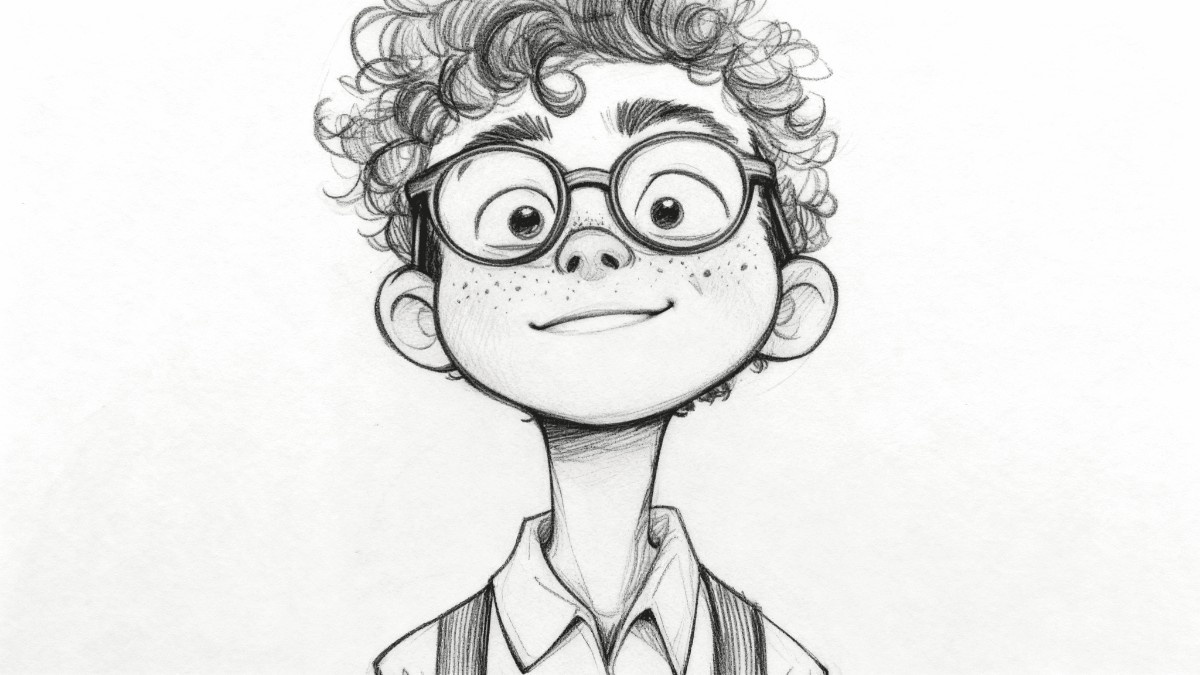
What Does an Image to Sketch Tool Do?
Upload a favorite photo and our image to sketch converter redraws it as pencil, charcoal, ink, or watercolor art — free, fast, and ready to download.
- Sketch Styles GalorePencil, charcoal, ink, and watercolor options.
- Quick RedrawsSee your photo become a sketch in seconds.
- Crisp OutputDetailed sketches built for sharing or printing.
Why Use AI Image to Sketch Converter?
AI Image to Sketch Converter offers multiple artistic styles, batch conversion, and high-quality outputs. Perfect for creative projects.
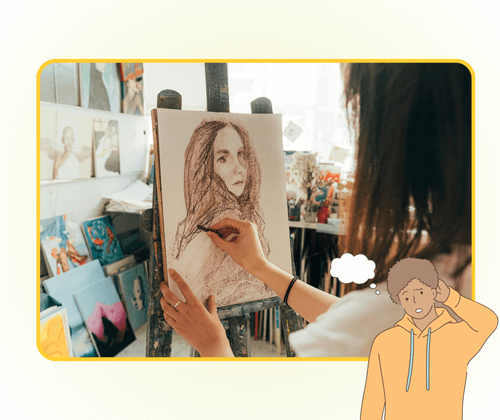
How to Create an Image to Sketch in 3 Steps
Pick a picture, choose a drawing style, and let the image to sketch engine finish the artwork — no editing skills needed.
Image to Sketch Features Built for Creators
One image to sketch workspace with multiple drawing styles, batch conversion, and sharp output for print or web.
Pencil Drawing
Soft graphite-style lines and shading.
Charcoal Effect
Bold, textured charcoal strokes.
Ink Line Art
Crisp outlines with clean contrast.
Watercolor Look
Gentle washes blended with sketch lines.
Batch Conversion
Queue several photos and convert them together.
Detail Retention
Keeps faces, edges, and textures recognizable.
Image to Sketch Questions, Answered
Get quick answers about turning photos into sketches, available styles, output quality, and free usage.
What does an image to sketch tool do?
It uses AI to redraw a photo as a pencil, charcoal, ink, or watercolor sketch while keeping the main shapes and details.
Which sketch styles can I choose?
You can pick pencil, charcoal, ink, watercolor, and other artistic effects depending on the look you want.
Can I convert more than one photo?
Yes. Batch processing lets you queue several pictures and turn them into sketches in one session.
Will the sketch be high resolution?
Yes. Outputs keep fine lines and details, so they work well for sharing, printing, or design projects.
Is the image to sketch tool free to use?
You can start with free conversions online; no account is needed for basic sketch creation.
How quickly will I get my sketch?
Most conversions finish in seconds. Upload a photo, choose a style, and download the result.
Make Your Image to Sketch in Seconds
Upload a photo, choose a pencil, charcoal, or ink style, and download your image to sketch result in seconds — free to try.