
AI Photo Upscaler
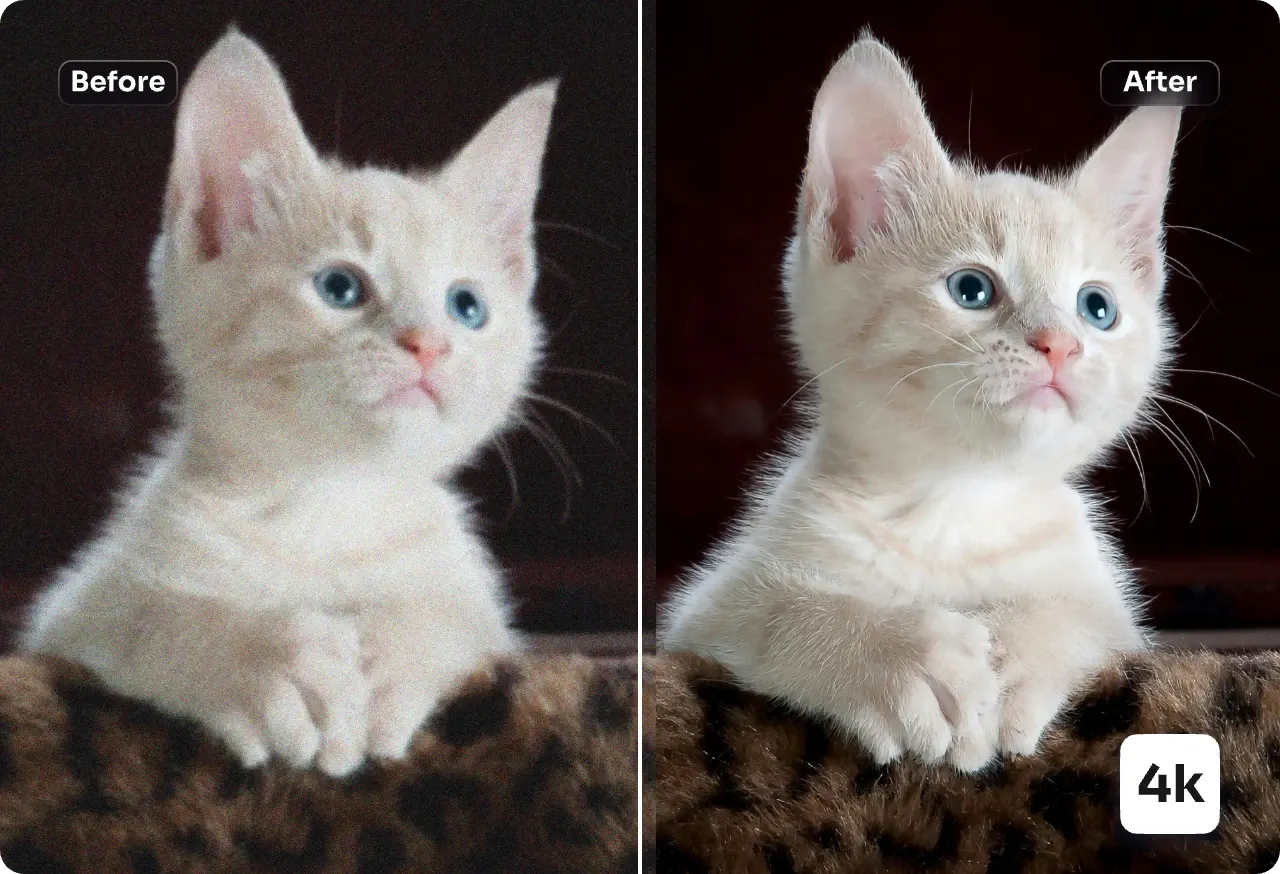
Boost image resolution up to 4K with AI Photo Upscaler. It rebuilds subtle texture, clears blocky compression, and returns clean, print-ready files fast.
Feedback
All Tools
Browse AI tools
MiniMax H3
MiniMax H3 AI Video Generator
Seedance 2.5
The Future of AI Video Is Here.

Seedance 2.0
The Future of AI Video Is Here.

Veo3.1
Create Stunning Videos with Veo3.1
FLUX 3 Video Generator

Kling 3.0
Next-Gen AI Video Generator
Grok Video Generator
Create Videos from Text or Images with AI
MiniMax H3 video generator
MiniMax H3 AI Video Generator
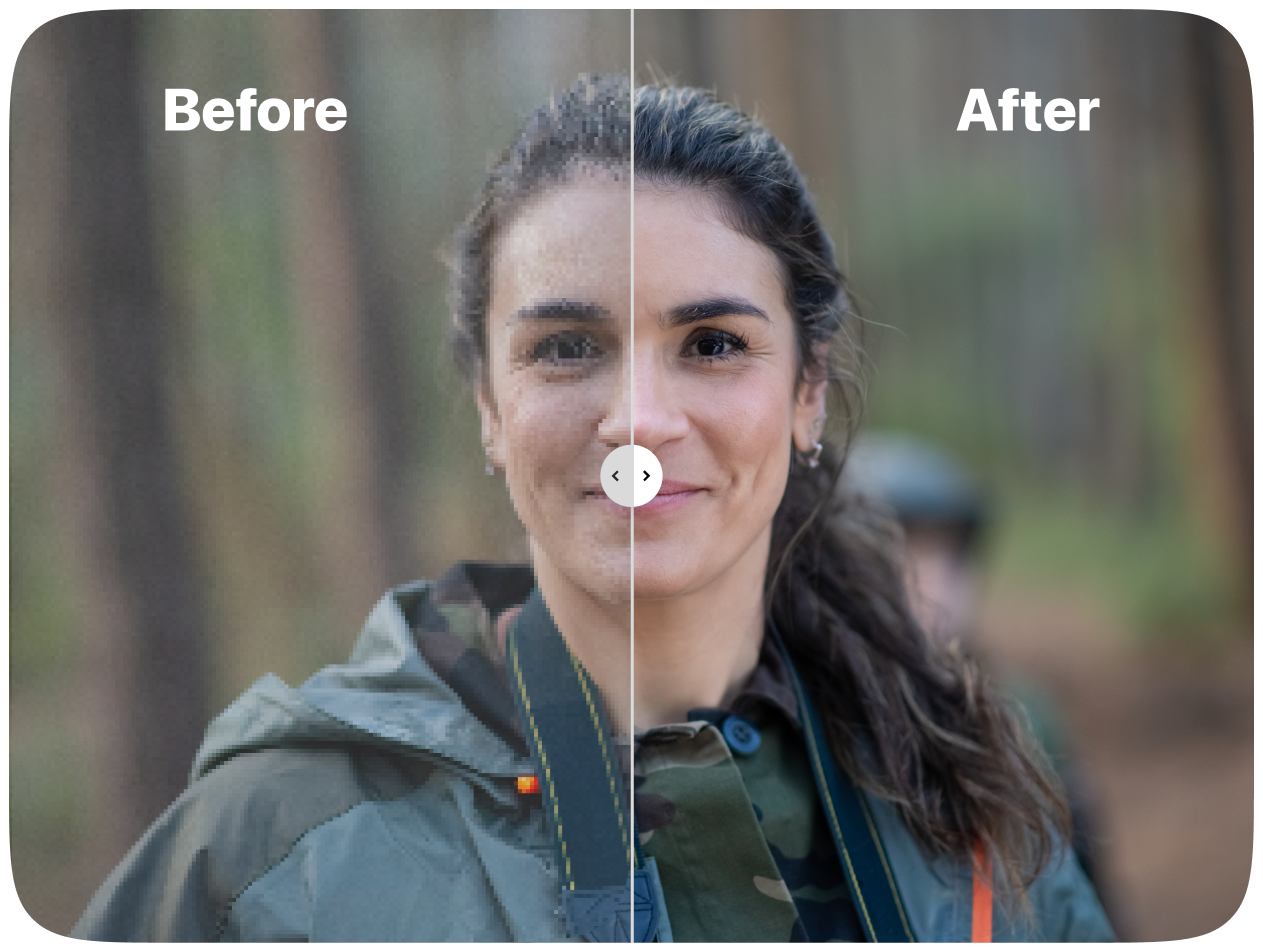
AI Photo Upscaler: Smarter Enlargement for Every Image
This AI Photo Upscaler is a fast enhancement model that increases image size while protecting edges, faces, and product details. It clears artifacts and rebuilds fine structure for web and print.
- Texture-First DetailKeeps micro-contrast and surface texture intact so enlarged photos look natural, not smoothed or waxy.
- Faces and Small TextRefines eyes, hair, and tiny typography while avoiding halos, blur, or visible artifacts.
- Artifact and Noise CleanupClears compression blocks and grain while keeping edges, logos, and brand elements crisp.
Why Choose AI Photo Upscaler
Higher clarity, natural textures, fast batch processing, reliable face recovery and brand protection.
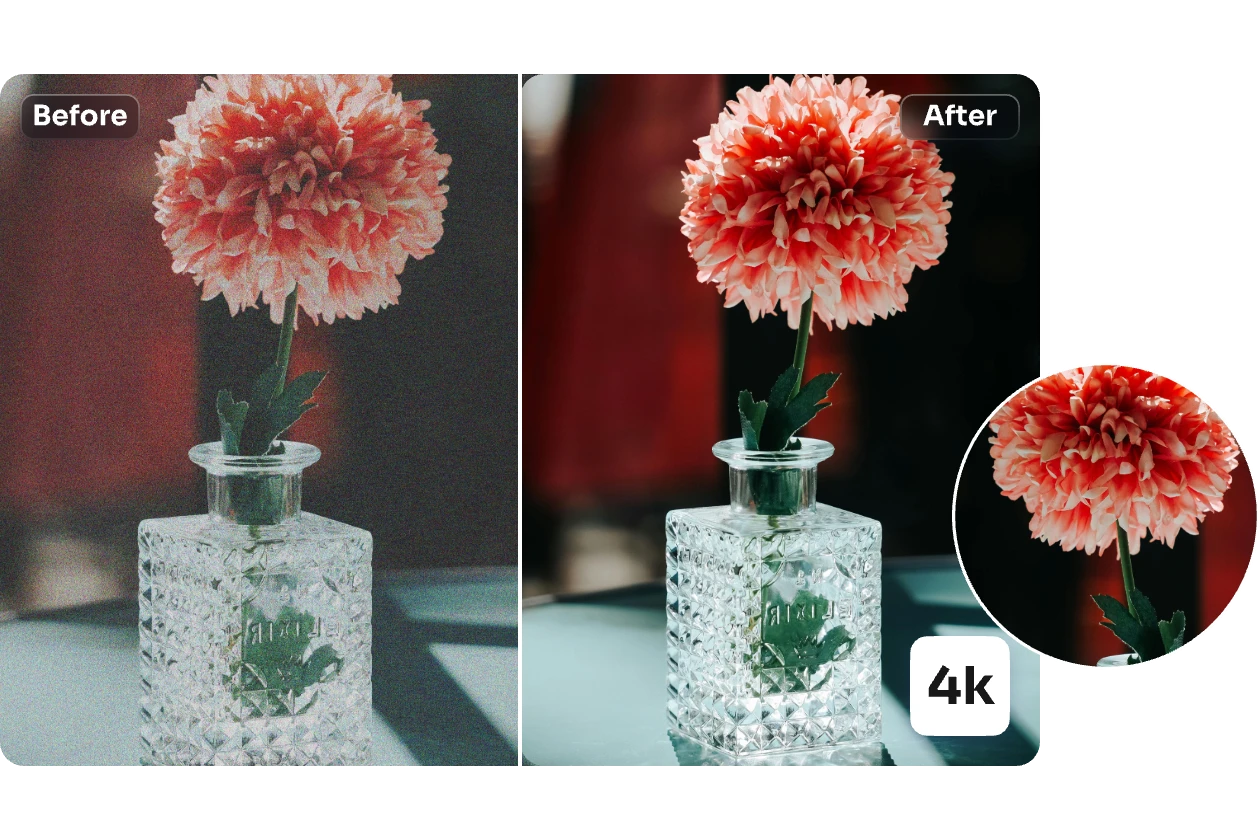
Four Simple Steps with AI Photo Upscaler
Follow four short steps to enlarge, clean, and refine images for web or print with AI Photo Upscaler.
What AI Photo Upscaler Can Do for Your Images
AI Photo Upscaler combines texture-aware enlargement, tone control, and artifact cleanup to keep brand elements and natural detail intact.
Crisp High-Resolution Output
Rebuilds fine lines and edge sharpness so images stay clear on screens and in print.
Natural Texture Recovery
Brings back skin, fabric, and surface detail without the waxy look that plagues many upscalers.
Identity-Safe Face Refinement
Improves eyes, hair, and facial detail while keeping the person recognizable.
Compression Artifact Removal
Eliminates JPEG blocks, ringing, and noise while preserving the underlying detail.
Balanced Color and Tone
Maintains natural contrast and vibrancy without oversaturating the result.
Fast Batch Processing
Queues multiple images for efficient production and e-commerce workflows.
AI Photo Upscaler: Common Questions Answered
Find clear answers about AI Photo Upscaler, image quality, processing time, branding, and commercial use.
What can AI Photo Upscaler do for my images?
It increases image dimensions while rebuilding clarity: edges become sharper, texture returns, noise drops, and compression artifacts are reduced.
Why should I choose this upscaler?
It aims for realistic enhancement rather than heavy processing, so faces, products, and text keep a natural look after enlargement.
Which image types benefit most?
Portraits, logos, UI screenshots, product labels, compressed photos, and scanned artwork usually see the biggest gains.
How fast is the upscaling process?
Most images finish in under a minute, though larger files and 4x scale may take a little longer.
Does it keep faces and brand elements intact?
Yes. The model refines facial detail and typography while protecting brand edges and recognizable identity.
Can I use upscaled images commercially?
Yes, subject to your subscription terms and the rights you hold for the original image.
Start Enlarging Photos with AI Photo Upscaler
Increase resolution, remove noise, and prepare images for print, product pages, or social media in seconds.