
Feedback

AI Storyboard Generator
Describe a scene and watch our AI storyboard generator turn it into editable, consistent panels — ready to export as animatics. Start free, no design skills.
All Tools
Browse AI tools
MiniMax H3
MiniMax H3 AI Video Generator
Seedance 2.5
The Future of AI Video Is Here.

Seedance 2.0
The Future of AI Video Is Here.

Veo3.1
Create Stunning Videos with Veo3.1
FLUX 3 Video Generator

Kling 3.0
Next-Gen AI Video Generator
Grok Video Generator
Create Videos from Text or Images with AI
MiniMax H3 video generator
MiniMax H3 AI Video Generator
AI Image Editor Examples
See what our AI Image Editor can do. Remove backgrounds, change styles, enhance photos instantly.
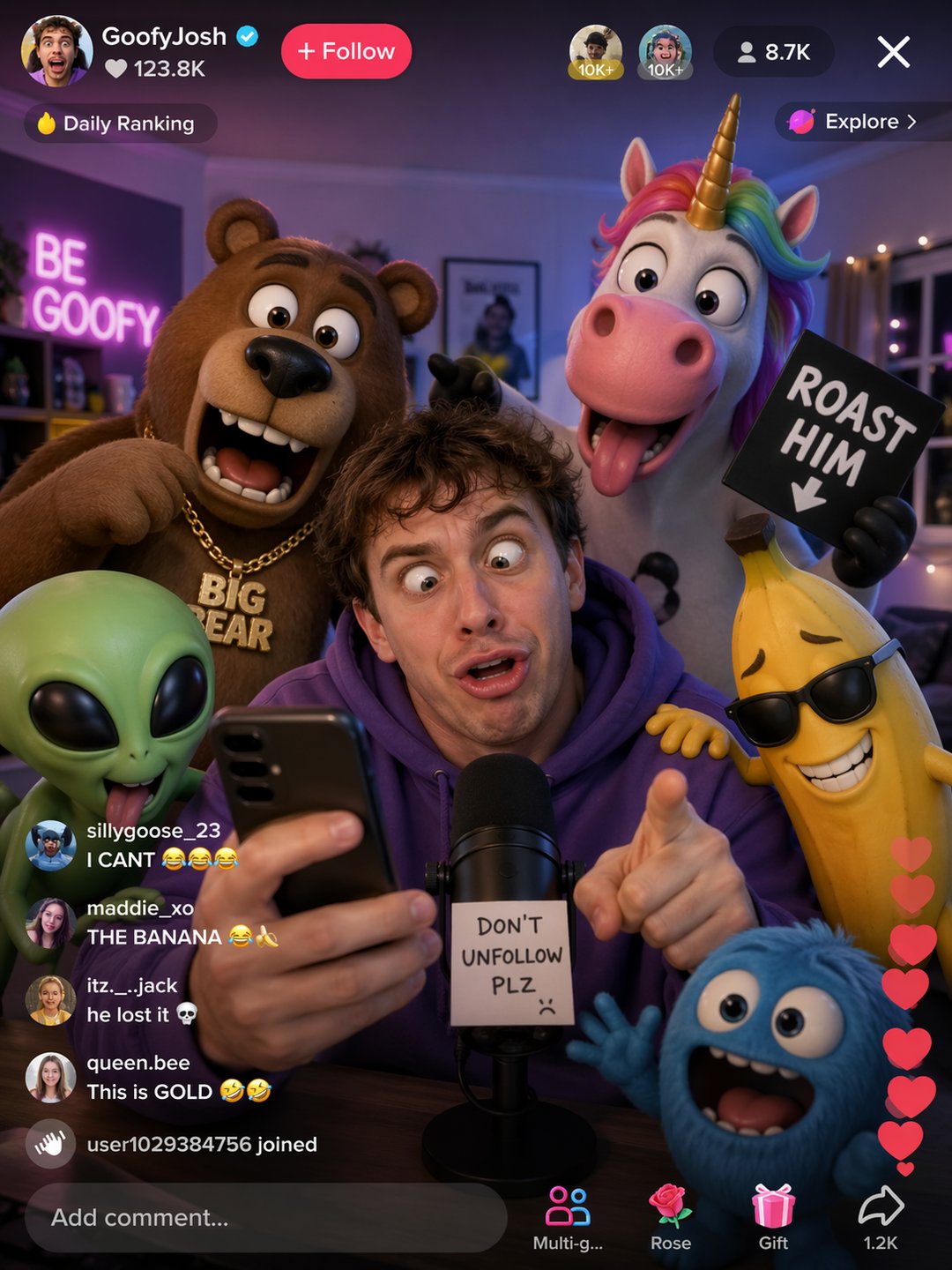


Watch your script become a shot-by-shot plan
Feed in a script, a beat sheet or a one-line brief and get back an organized frame-by-frame plan. This AI storyboard generator holds characters and sets steady across shots, pulls out reusable assets, and ships animatics or pitch decks — so pre-production never stalls.
- Live Team EditingEveryone works from the same board — edits land on every screen at once, so the whole crew shapes the storyboard together in real time.
- Reusable ElementsCharacters, props and locations are pulled out automatically and stored as reusable Elements, so continuity holds from the first frame to the last.
- Preview, Then ExportPlay the animatic back, send out an MP4 or a PDF pitch deck, and keep refining until every panel is camera-ready.
Why Choose AI Storyboard Generator
AI Storyboard Generator accelerates pre-production: generate consistent frames, keep element continuity, and collaborate in real time to reduce iteration cycles and speed delivery.


How to build a storyboard in three quick steps
Three steps, start to finish: drop in your idea or script, tune the model and frame settings, then review the extracted elements and export frames or animatics for the whole team.
Storyboarding Capabilities Inside the AI Storyboard Generator
Speed, consistency and clean hand-off in one workspace — quick frame generation, reusable elements, shared boards, animatic playback and files that go straight into production.
Frames in Any Style
Prompt it, sketch it or upload a reference — panels adapt to the tone, composition and camera angle you describe.
Shared Live Boards
Every edit refreshes across the team instantly, so review rounds shrink and nobody works from an outdated board.
Automatic Element Tagging
Characters, props and locations are identified and saved as reusable Elements, keeping continuity tight shot after shot.
Animatics & Deck Export
Play the sequence back as an animatic, export MP4 or PDF pitch decks, and pass files to production without leaving the board.
Script-to-Shot Breakdown
Scripts are split into scenes and shots with a clear breakdown, so you can check pacing and structure before generating a single frame.
High-Resolution Hand-Off
Frames come out crisp and presentation-ready, giving stakeholders polished material to sign off on before cameras roll.
Frequently Asked Questions About the AI Storyboard Generator
Straight answers on inputs, exports, consistency and pricing — everything creators ask before they open the AI storyboard generator for the first time.
What is an AI storyboard generator?
It's a tool that reads your script or scene description and renders it as a sequence of editable frames, complete with animatic playback and export options — no drawing required.
Do I need design or drawing skills?
Not at all. You describe the scene in plain language and the tool handles composition, framing and visual continuity, so writers, directors and marketers can all storyboard.
Is the AI storyboard generator free to try?
You can start building boards without paying — free credits cover your first projects, and paid plans unlock higher resolution, longer sequences and team seats.
Which formats can I upload and export?
Bring in JPG, PNG or WEBP references up to 10MB, then take your work out as high-resolution frames, MP4 animatics or PDF pitch decks ready for review.
Can I keep characters and props consistent between frames?
Yes. The tool extracts characters, props and locations as reusable Elements, so the same look carries from panel to panel and across every revision.
Can I edit a board after it has been generated?
Every panel stays editable. Rewrite prompts, swap frames, reorder shots or regenerate a single panel, and teammates see the change the moment you make it.
Put Your Next Script on the Board in Minutes
Open the AI storyboard generator, describe the scene and walk away with a shot-by-shot plan, an animatic and a deck your team can approve — all in one sitting.