
AI Outfit Generator
Try on a whole new wardrobe without a fitting room — upload a photo and our AI outfit generator rebuilds your look with lifelike fabric and light.
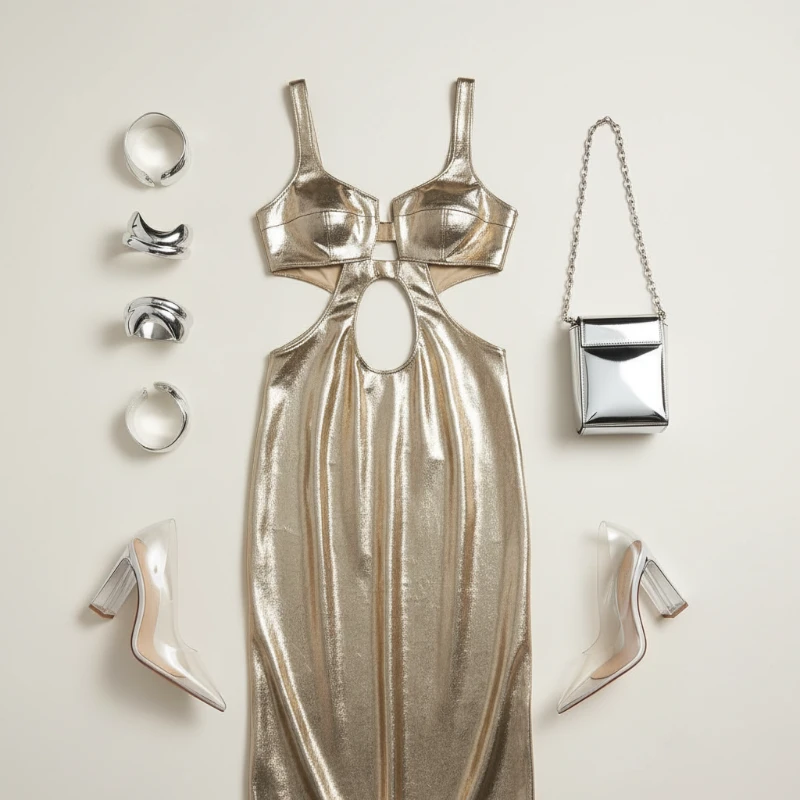
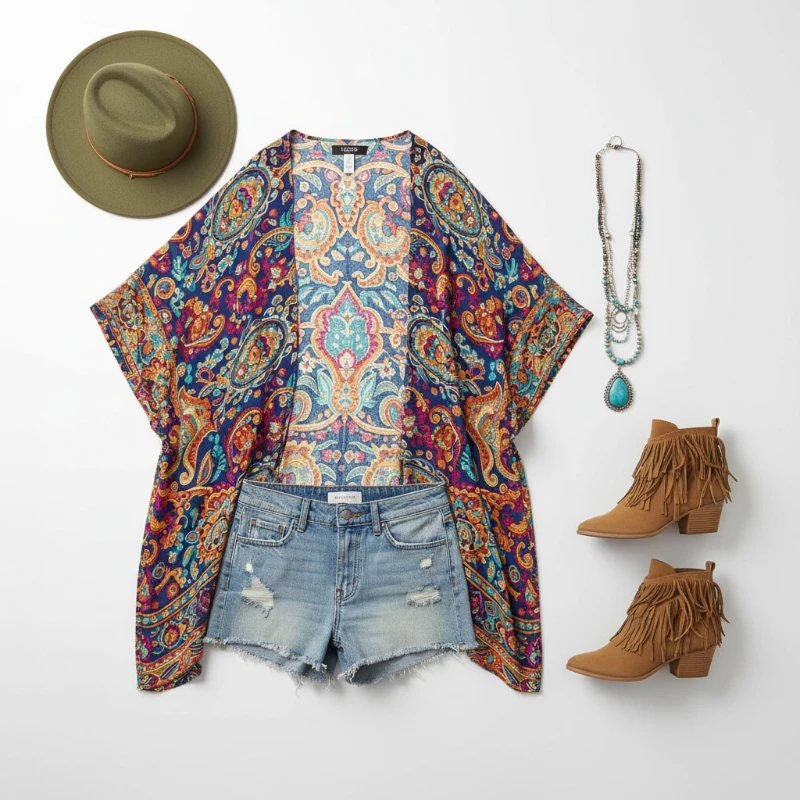
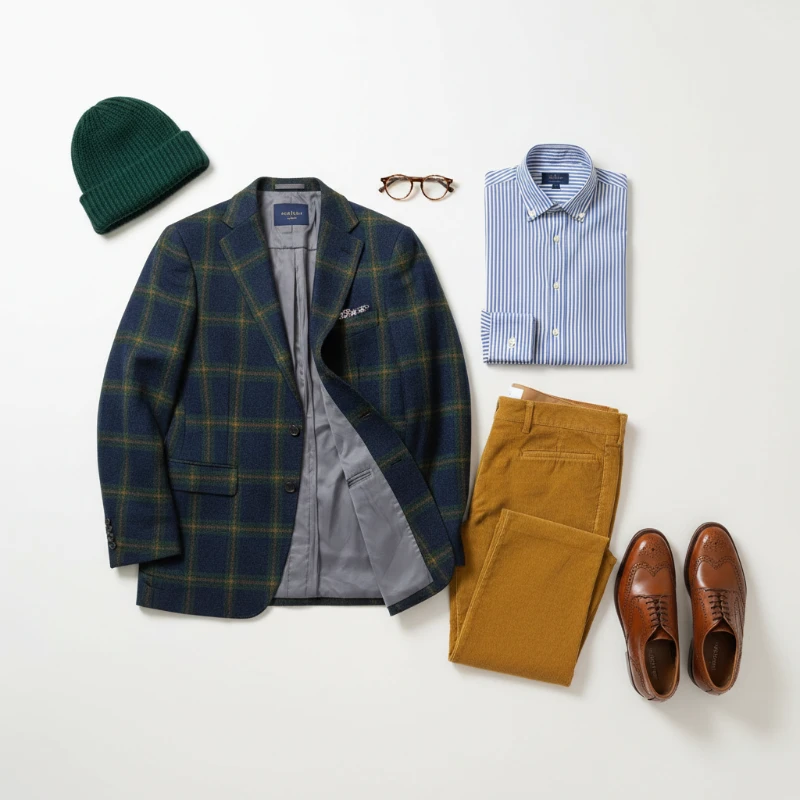
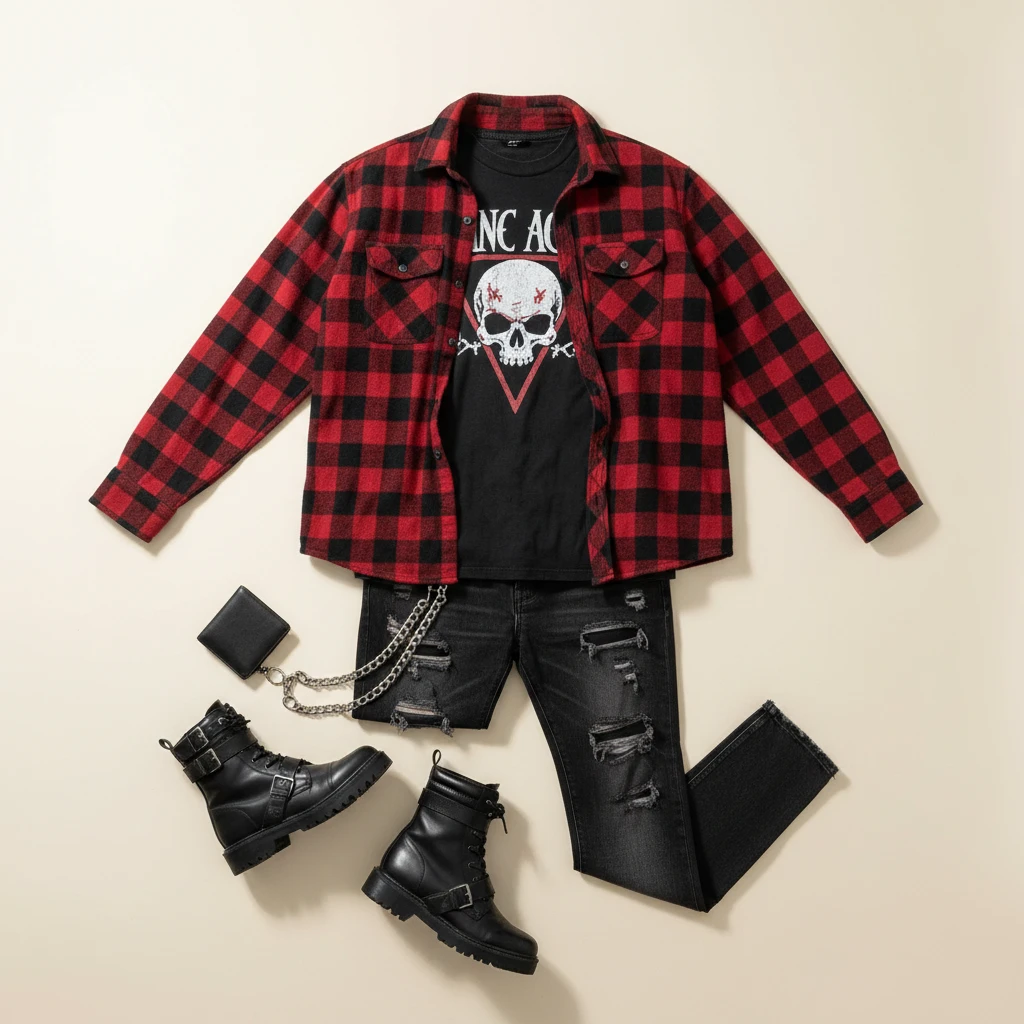
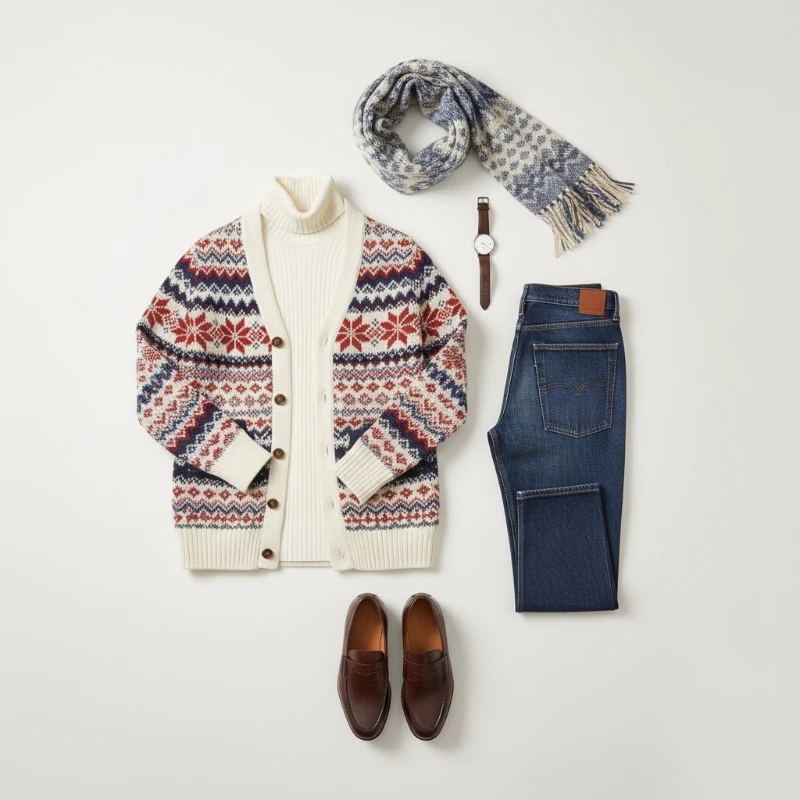
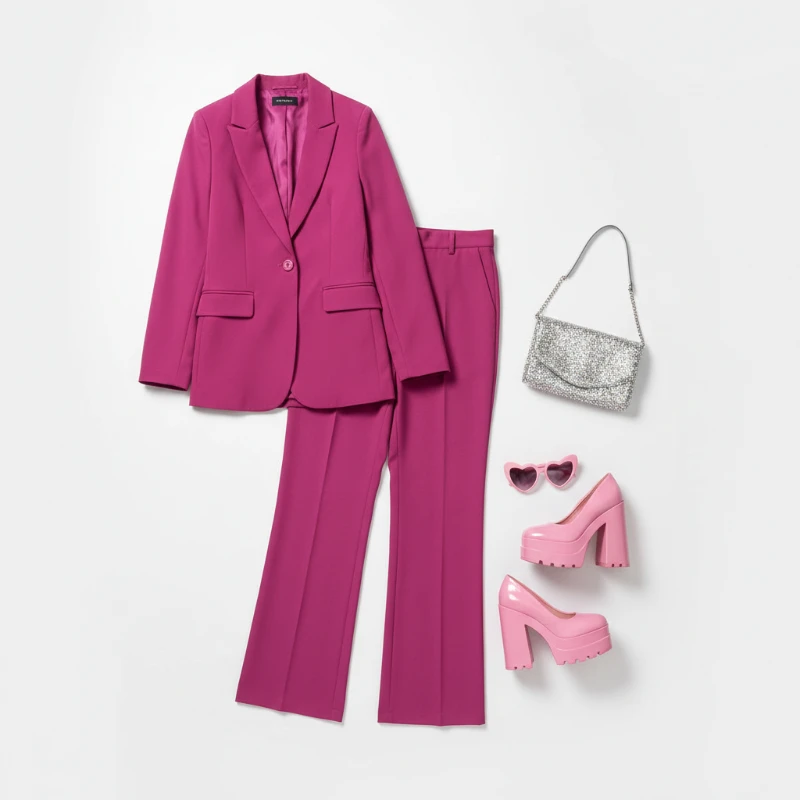
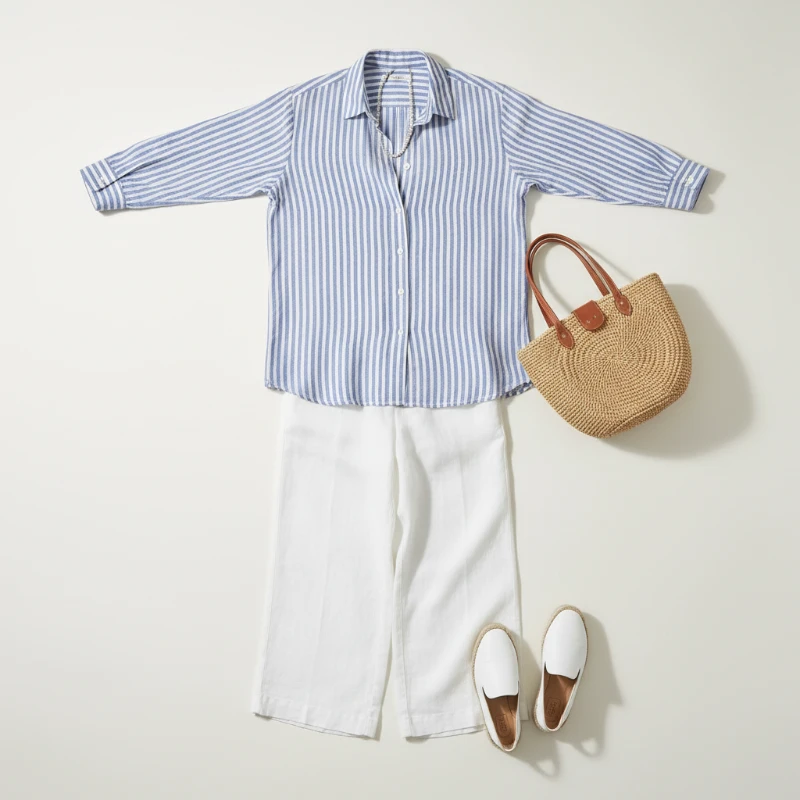
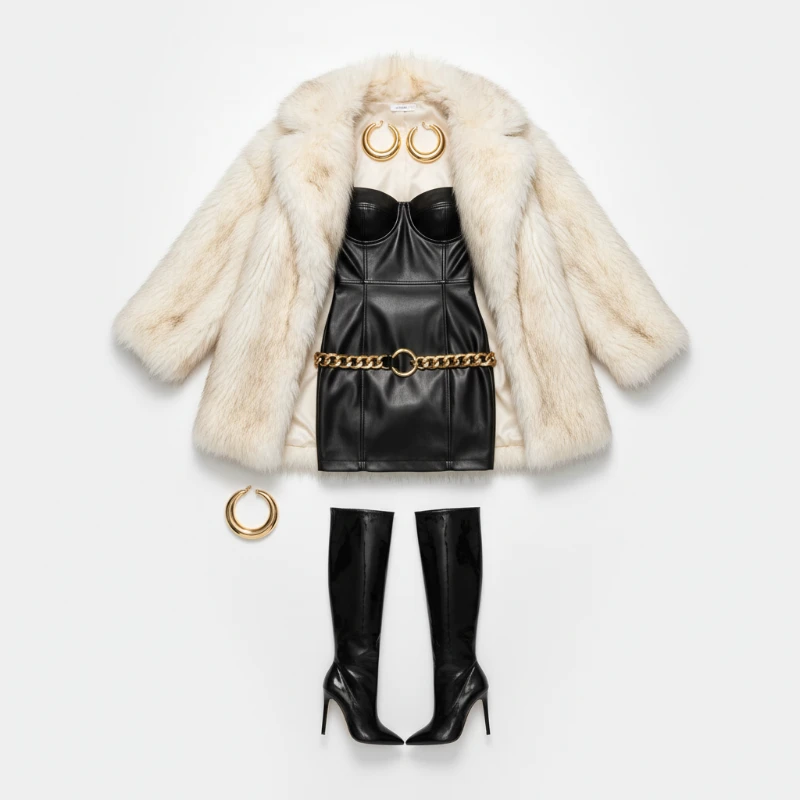
Feedback
AI Creative Tools
Explore AI creative tools



AI Outfit Generator: Smarter Virtual Styling
Change what you wear without changing who you are — faces, posture, and scene lighting all stay exactly as they were.
- Convincing Clothing ChangesGarments are redrawn to match your body angle and skin tone, so the final image reads as a real photo, not a paste-up.
- Rapid TurnaroundMost restyles land in your browser within a minute or two, making it easy to test several looks back to back.
- Crisp Fabric DetailStitching, folds, and shadows stay sharp, and new pieces blend into the original lighting instead of looking layered on.
Why Choose AI Outfit Generator
Natural swaps, quick processing, and easy sharing with AI Outfit Generator.
From Photo to New Outfit in Three Steps
Bring a clear photo, pick a preset or upload a reference garment, and let the tool handle the rest. Save the finished image in one click.
What Makes Our Virtual Stylist Stand Out
Every layer — fabric, shadow, posture — is handled automatically, so you get polished try-on images without touching a photo editor.
True-to-Life Swaps
New garments wrap around your actual silhouette rather than sitting flat on top of it.
Precise Styling
Adjust color, cut, and mood until the look matches the idea in your head.
Light-Aware Blending
Shadows and highlights from the original scene carry over onto the new clothes.
Quick Rendering
Results arrive fast enough for on-the-go posting and last-minute outfit decisions.
Print-Ready Resolution
Export clean, high-detail images that hold up on large screens and in print.
Simple Flow
Upload, choose, download — no layers, masks, or manual retouching involved.
Virtual Outfit Changes: Common Questions
Everything you need to know before your first edit — photo tips, timing, downloads, and pricing.
What does this outfit tool actually do?
It redraws the clothing in your photo while leaving your face, body, and background untouched.
Which photos give the best results?
Sharp, evenly lit shots where your outfit is fully visible tend to produce the cleanest edits.
How fast is the process?
Typically one to two minutes per image, though busy hours can add a short wait.
Are the results downloadable?
Yes, finished images can be saved at full resolution straight from the result panel.
Do I need to pay?
You can start with free credits; paid plans unlock more generations and faster queues.
Why not just edit in Photoshop?
Manual clothing swaps take hours of masking; this handles the hard parts automatically in a fraction of the time.
Your Next Look Is One Upload Away
Skip the fitting room. Add a photo, choose a style, and get a realistic new outfit in under two minutes.