
Image 2 AI Image Generator
Drop in a photo or a one-line brief — Image 2 AI Image Generator returns print-ready artwork with flawless multilingual type in seconds.
Feedback

freeTrialImage.bannerPity
freeTrialImage.upgradeUnlock
- ✓freeTrialImage.benefitHd
- ✓freeTrialImage.benefitWatermark
- ✓freeTrialImage.benefitUnlimited
All Tools
Browse AI tools
MiniMax H3
MiniMax H3 AI Video Generator
Seedance 2.5
The Future of AI Video Is Here.

Seedance 2.0
The Future of AI Video Is Here.

Veo3.1
Create Stunning Videos with Veo3.1
FLUX 3 Video Generator

Kling 3.0
Next-Gen AI Video Generator
Grok Video Generator
Create Videos from Text or Images with AI
MiniMax H3 video generator
MiniMax H3 AI Video Generator
AI Image Editor Examples
See what our AI Image Editor can do. Remove backgrounds, change styles, enhance photos instantly.
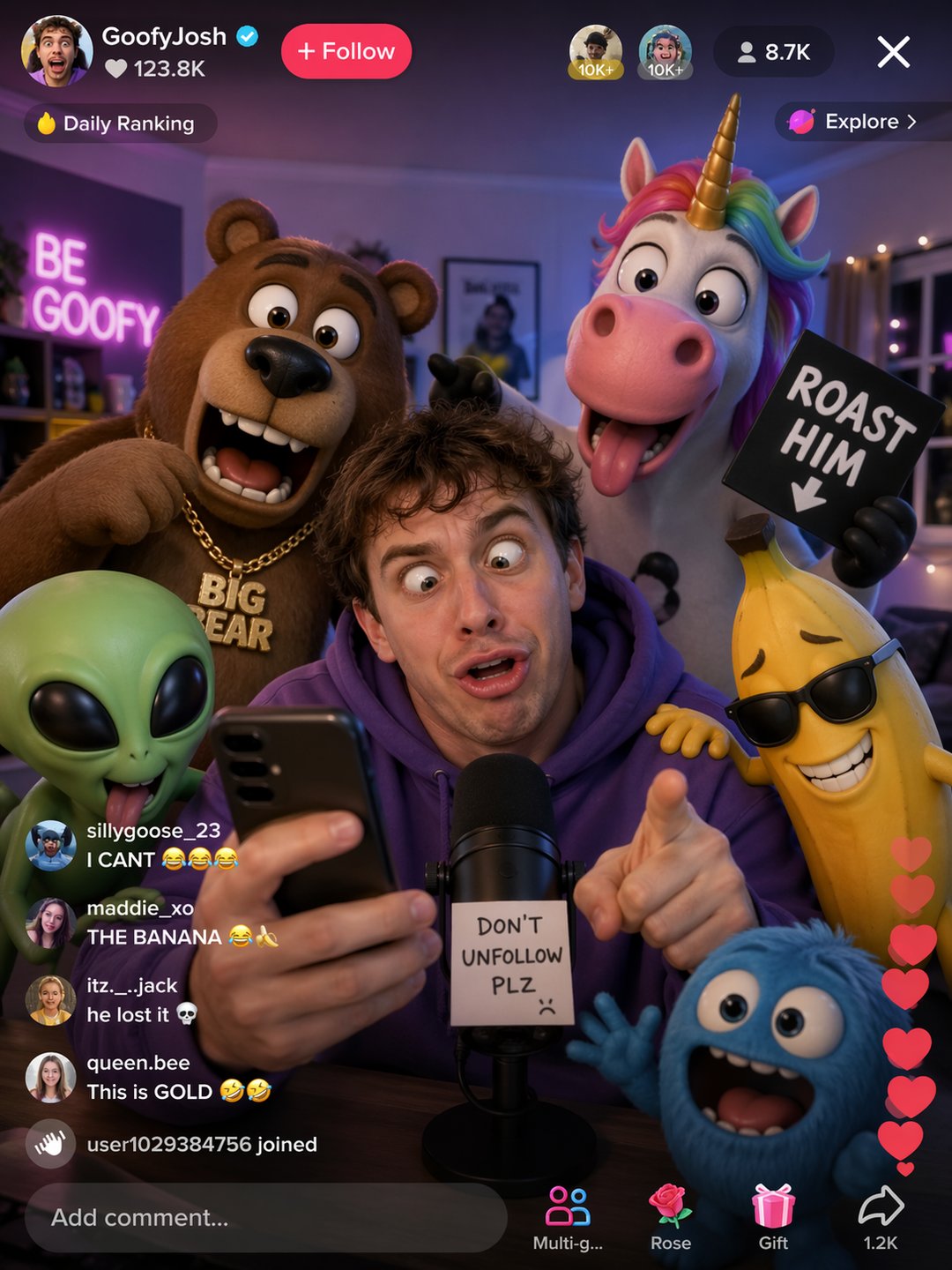


Why Creators Rely on Image 2 AI Image Generator for Global Campaigns
Layout reasoning and native type rendering work side by side inside Image 2 AI Image Generator, so packshots, posters, and localized brand variants arrive polished on the first pass — without a retouching queue behind them.
- Typography That Survives Any ScriptLatin, CJK, Cyrillic, and Arabic letterforms keep correct spacing, weight, and perspective even on curved or angled surfaces.
- Detail That Reads as PhotographyLight bounce, reflections, and skin tones follow real-world physics, so results hold up in close-up crops and full-page print.
- Repeatability Across Whole BatchesLock a character, palette, or grid once and every later render keeps the same look — handy when a catalog runs to hundreds of SKUs.
Why Choose GPT Image 2 AI Image Generator
GPT Image 2 AI Image Generator gives creators commercial‑grade output fast: accurate text rendering, world‑aware composition, and consistent visuals across iterations—so teams ship polished imagery with less rework.

Put Image 2 AI Image Generator to Work in Three Moves
Describe the scene or attach a photo, choose a ratio and quality tier, then export the file or spin off matching variants for the rest of the set.
Capabilities Behind Every Rendered Frame
Six building blocks inside Image 2 AI Image Generator — typography control, spatial reasoning, photoreal shading, style locking, frame continuity, and print-grade export — do the heavy lifting.
Text That Sits in the Scene
Letterforms warp with the surface beneath them — bottle curves, fabric folds, angled signage — instead of floating on top.
Spatial Logic for Busy Frames
Objects land with sensible depth, scale, and occlusion, so crowded scenes still read clearly at thumbnail size.
Shading That Mimics a Lens
Caustics, soft shadows, and material response are simulated per pixel, giving renders the feel of a real camera capture.
Style Locking Across Renders
Save a look once — wardrobe, palette, lighting — and every new frame inherits it, keeping a campaign visually unified.
Continuity for Panels and Frames
Characters and props carry through a sequence, which makes storyboards, comics, and step-by-step visuals far less fiddly.
Files Built for Print and Web
High-resolution exports arrive with color profiles suited to both screens and presses, so nothing needs a second pass.
Questions People Ask Before Their First Render
Straight answers on output quality, language coverage, cost, file formats, revisions, and how Image 2 AI Image Generator handles your uploads.
What exactly does this image tool do?
It converts a written brief or a reference photo into finished artwork — posters, product shots, social frames — complete with readable text in the language you specify.
Do I need any design background?
None at all. If you can describe what you want in a sentence, you can produce usable visuals; presets and templates cover the layout decisions for you.
Can it actually cut production costs?
Usually yes — reshoots, stock licenses, and hours of manual retouching are replaced by a handful of renders, and extra revisions cost nothing.
Which file types can I upload and export?
JPG, PNG, and WEBP go in; high-resolution files come out, sized for marketplaces, web pages, or print, and an API is available for bulk jobs.
How easy is it to make variations?
Reuse the same prompt and swap one detail, and you get a sibling image that still matches the rest of the set — ideal for A/B tests and catalog updates.
How are my uploads and outputs protected?
Files travel over encrypted connections and are never shown publicly; team and enterprise tiers add access controls and retention settings.
Your Next Visual Is One Prompt Away
Write a sentence, pick a size, and download a finished frame from Image 2 AI Image Generator — then carry that same look across every product, language, and channel you sell in.