
Photo To Sketch
See your photos as drawings in seconds. Pick pencil, charcoal, ink, or watercolor, and let the photo to sketch AI do the rest — free, no sign-up.
Feedback

freeTrialImage.bannerPity
freeTrialImage.upgradeUnlock
- ✓freeTrialImage.benefitHd
- ✓freeTrialImage.benefitWatermark
- ✓freeTrialImage.benefitUnlimited
AI Tools
Explore AI tools
MiniMax H3
MiniMax H3 AI Video Generator
Seedance 2.5
The Future of AI Video Is Here.

Seedance 2.0
The Future of AI Video Is Here.

Veo3.1
Create Stunning Videos with Veo3.1
FLUX 3 Video Generator

Kling 3.0
Next-Gen AI Video Generator
Grok Video Generator
Create Videos from Text or Images with AI
MiniMax H3 video generator
MiniMax H3 AI Video Generator
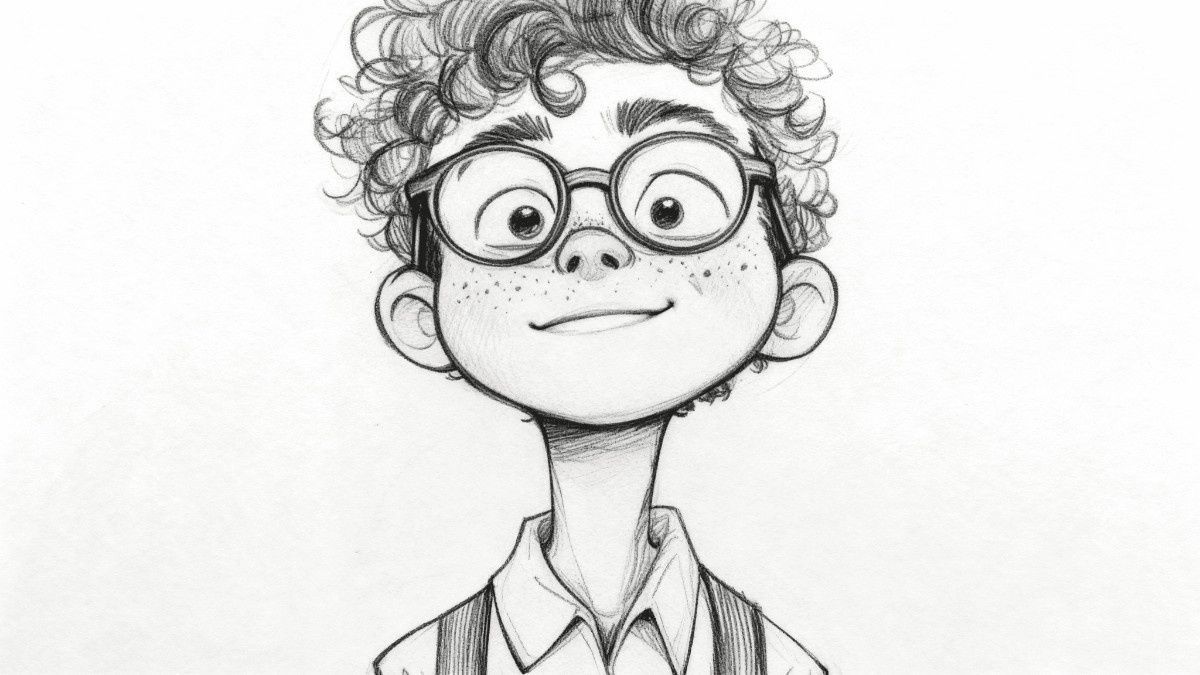
What Makes This Photo to Sketch Tool Different
Upload a portrait, a pet photo, or a product shot and the AI redraws it in pencil, charcoal, ink, or watercolor — clean lines, no messy edges, ready for prints, gifts, or social posts.
- Four Art StylesPencil, charcoal, ink, or watercolor — switch looks with one click.
- Seconds, Not HoursMost redraws land in your library almost immediately.
- Print-Ready OutputCrisp edges and fine detail at full resolution.
How to Turn a Photo Into a Sketch
Three quick steps — add your image, choose a drawing style, then save the finished sketch. No software to install, no account to create, no cost to start.
Why Creators Choose This Photo to Sketch AI
From quick social posts to gallery prints, the tool keeps lines clean and detail sharp across every style, with batch runs for bigger projects.
Pencil Sketch
Soft graphite shading with true-to-life strokes.
Charcoal
Deep contrast and textured, dramatic darks.
Ink Line Art
Crisp black outlines for comics and logos.
Watercolor Wash
Gentle color bleeds and painterly gradients.
Batch Mode
Queue a whole folder and export in one go.
Detail Retention
Faces, hair, and texture stay recognisable.
Photo to Sketch Questions, Answered
Quick answers on styles, speed, batch limits, image quality, and pricing for the photo to sketch generator.
What does a photo to sketch tool actually do?
It reads your image and redraws it as line work or painting, so an ordinary photo comes out looking hand-drawn.
Which drawing styles can I pick?
Four main looks — pencil, charcoal, ink, and watercolor — each with its own texture and contrast.
Can I convert a whole album at once?
Yes. Batch mode lets you queue several images and export them together.
Will the output be sharp enough to print?
Results keep fine detail at full resolution, so they hold up on paper as well as on screen.
Do I need to pay or create an account?
Basic conversions are free and run without sign-up; paid models add higher resolution and no watermark.
How long does one conversion take?
Usually a few seconds, and rarely more than a minute for larger files.
Start Your Photo to Sketch Project Free
Drop in an image, choose a drawing style, and save a high-resolution sketch in seconds. No account, no watermark, no cost to begin.